


LastAI Briefing · AI · Desktop automation · 2026.11.22
Five minutes to press with Vercel Labs’ Agent Desktop
A lighthouse photo, a proof sheet and five minutes before the presses roll. Jisu splits the checks between two AI agents. LastAI read the source for Vercel Labs’ open-source Agent Desktop v1.3.1 and ran three mock tests to see what two cursors can do together.
Read as text
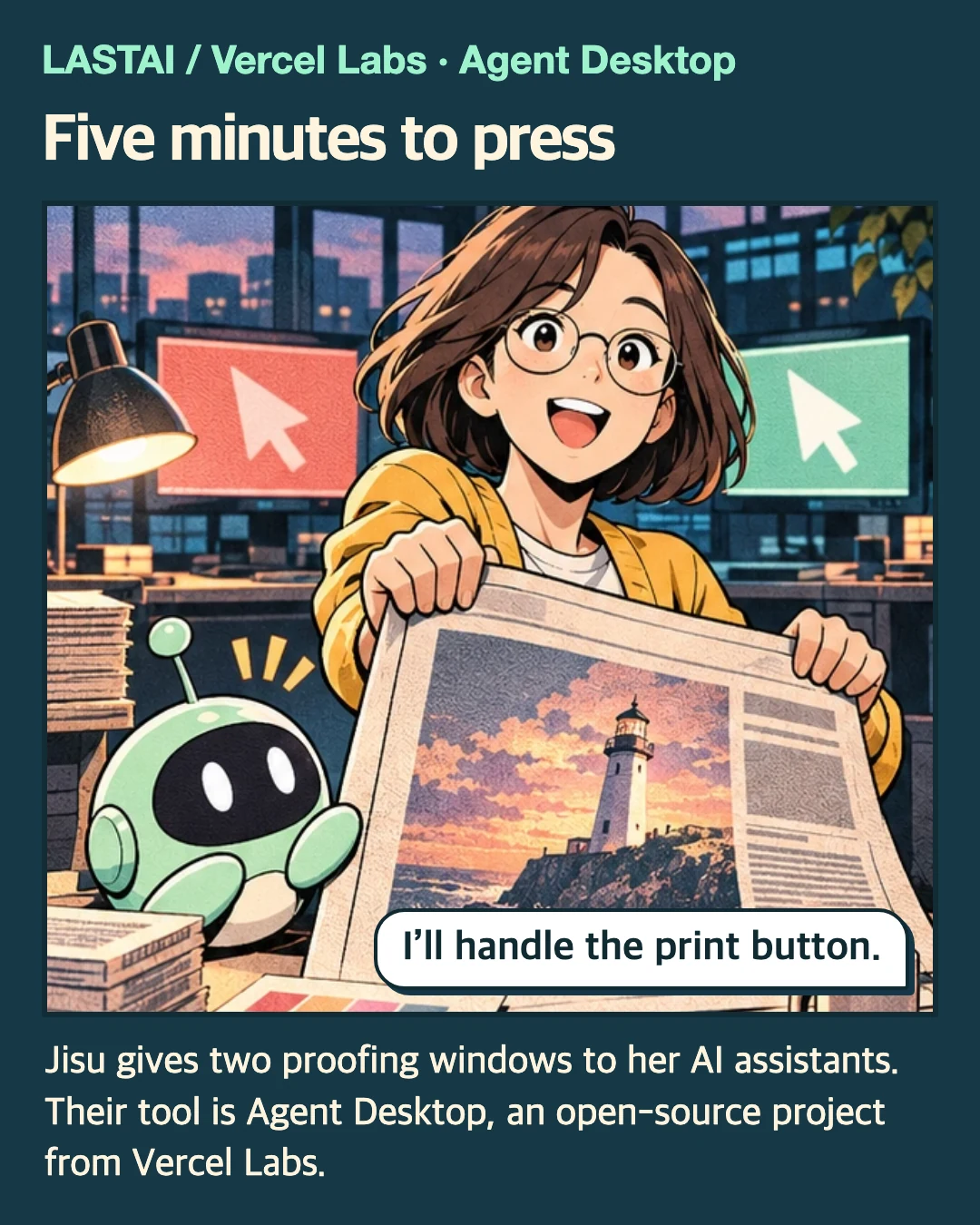
Five minutes to press
I’ll handle the print button. Jisu gives two proofing windows to her AI assistants. Their tool is Agent Desktop, an open-source project from Vercel Labs. The lighthouse edition is nearly ready. The connected AI decides what to do. Agent Desktop reads the app and carries out the action.
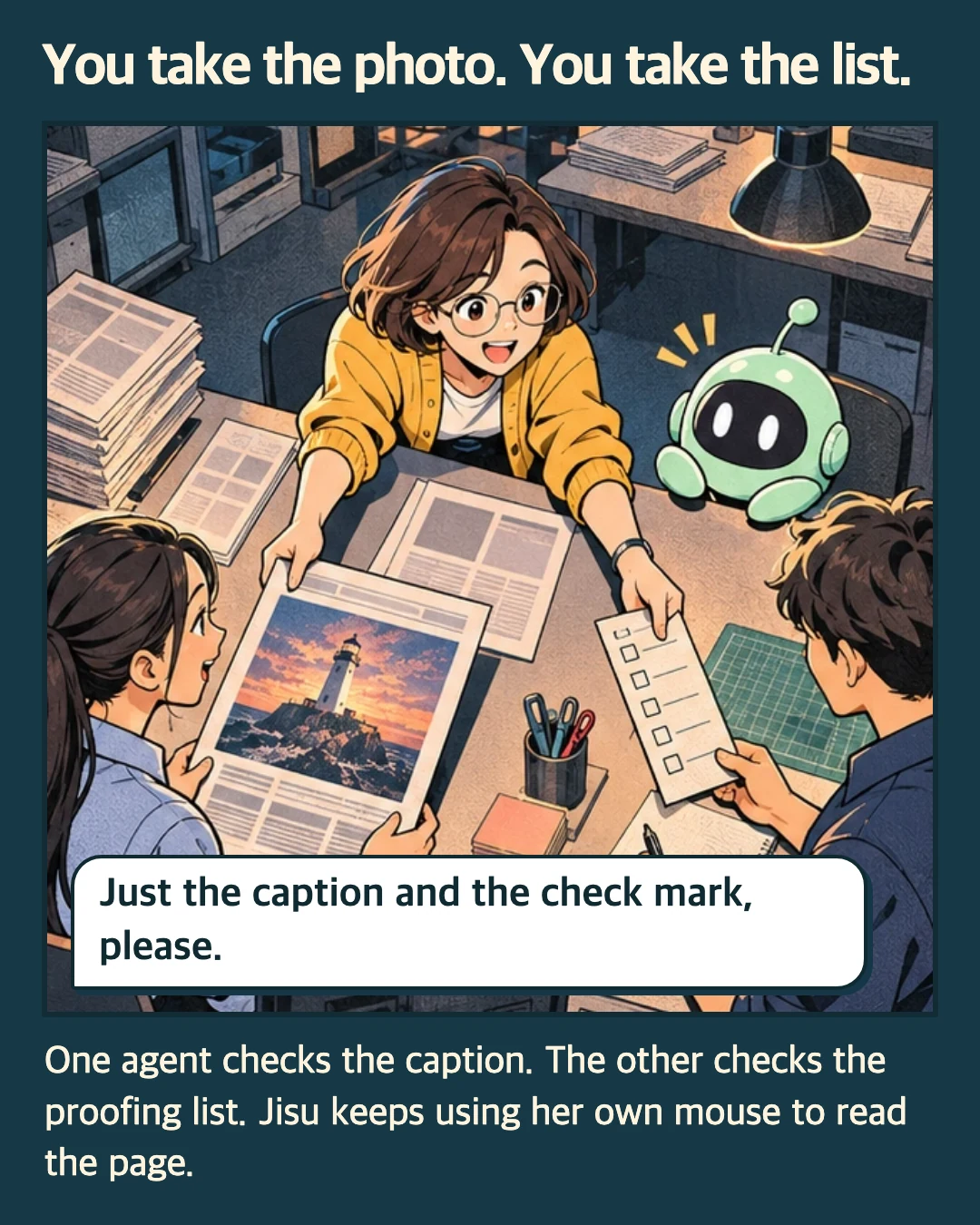
You take the photo. You take the list.
Just the caption and the check mark, please. One agent checks the caption. The other checks the proofing list. Jisu keeps using her own mouse to read the page. By default, actions on app elements leave the user’s physical pointer and focused window alone.
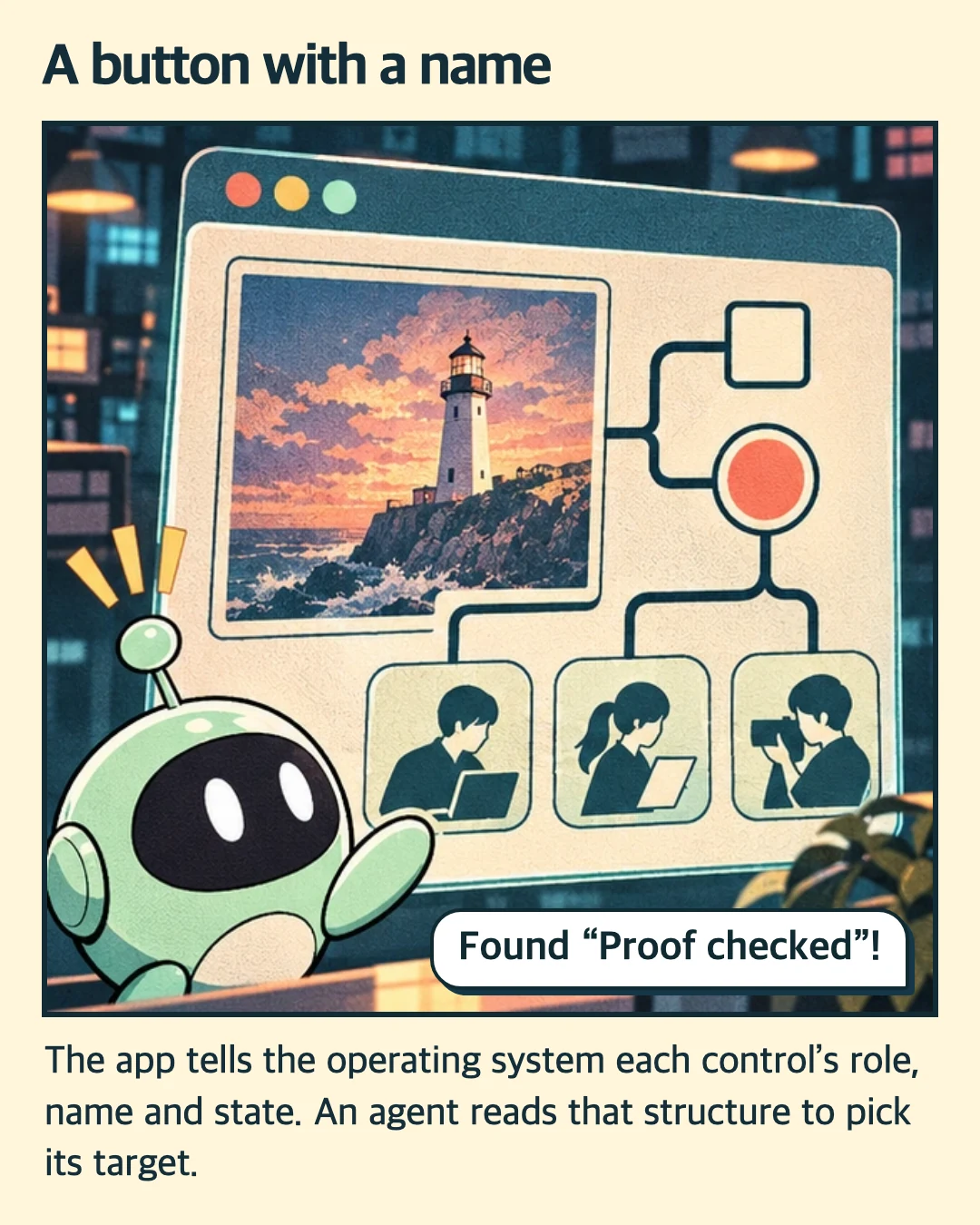
A button with a name
Found “Proof checked”! The app tells the operating system each control’s role, name and state. An agent reads that structure to pick its target. This accessibility tree gives the agent a reference for each actionable element. A button painted into an image and omitted from the tree is invisible to this method.
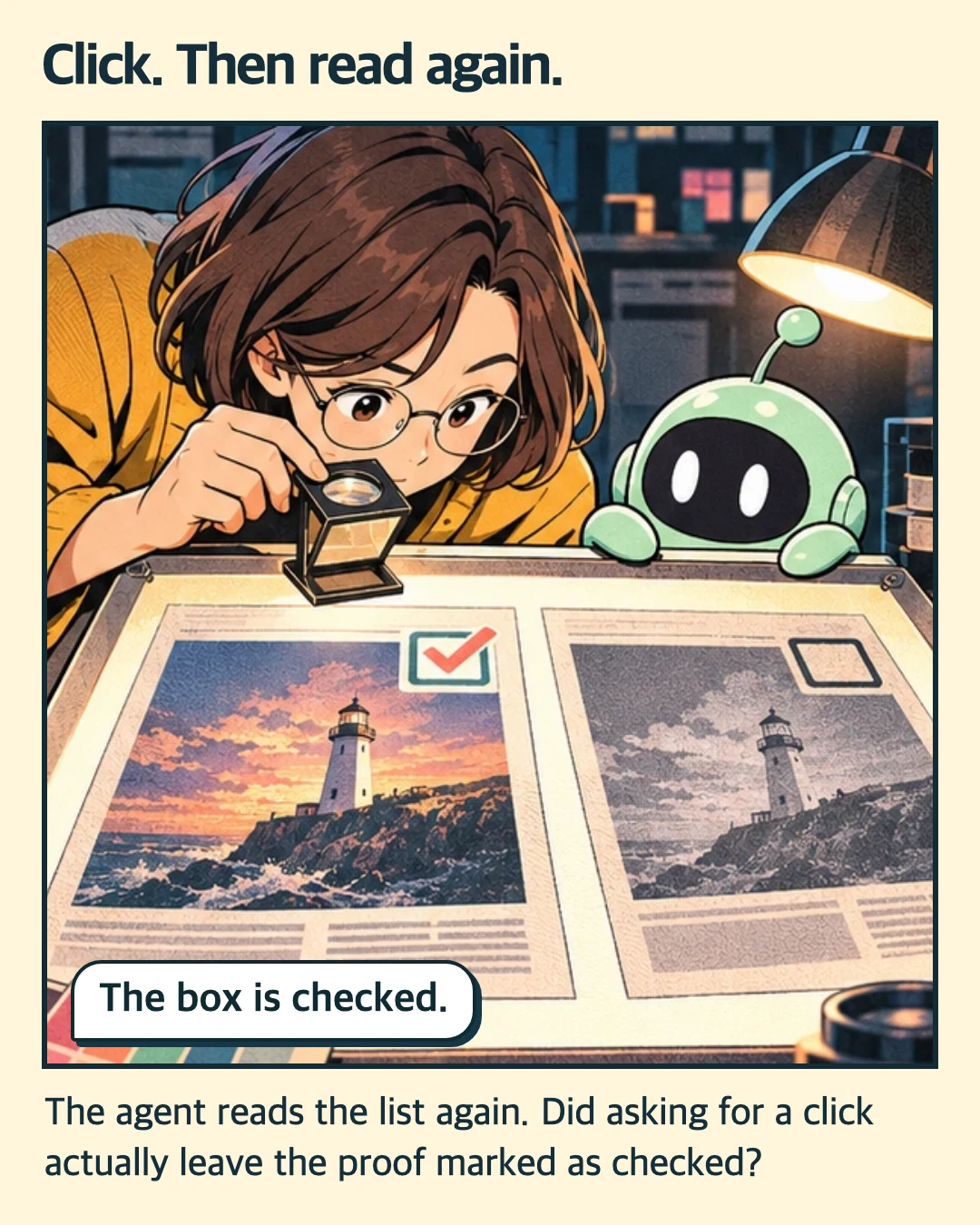
Click. Then read again.
The box is checked. The agent reads the list again. Did asking for a click actually leave the proof marked as checked? Agent Desktop supports macOS, Windows and Linux, with different capabilities on each. On a Mac, controlling apps requires Accessibility permission. Capturing screenshots also requires Screen Recording.
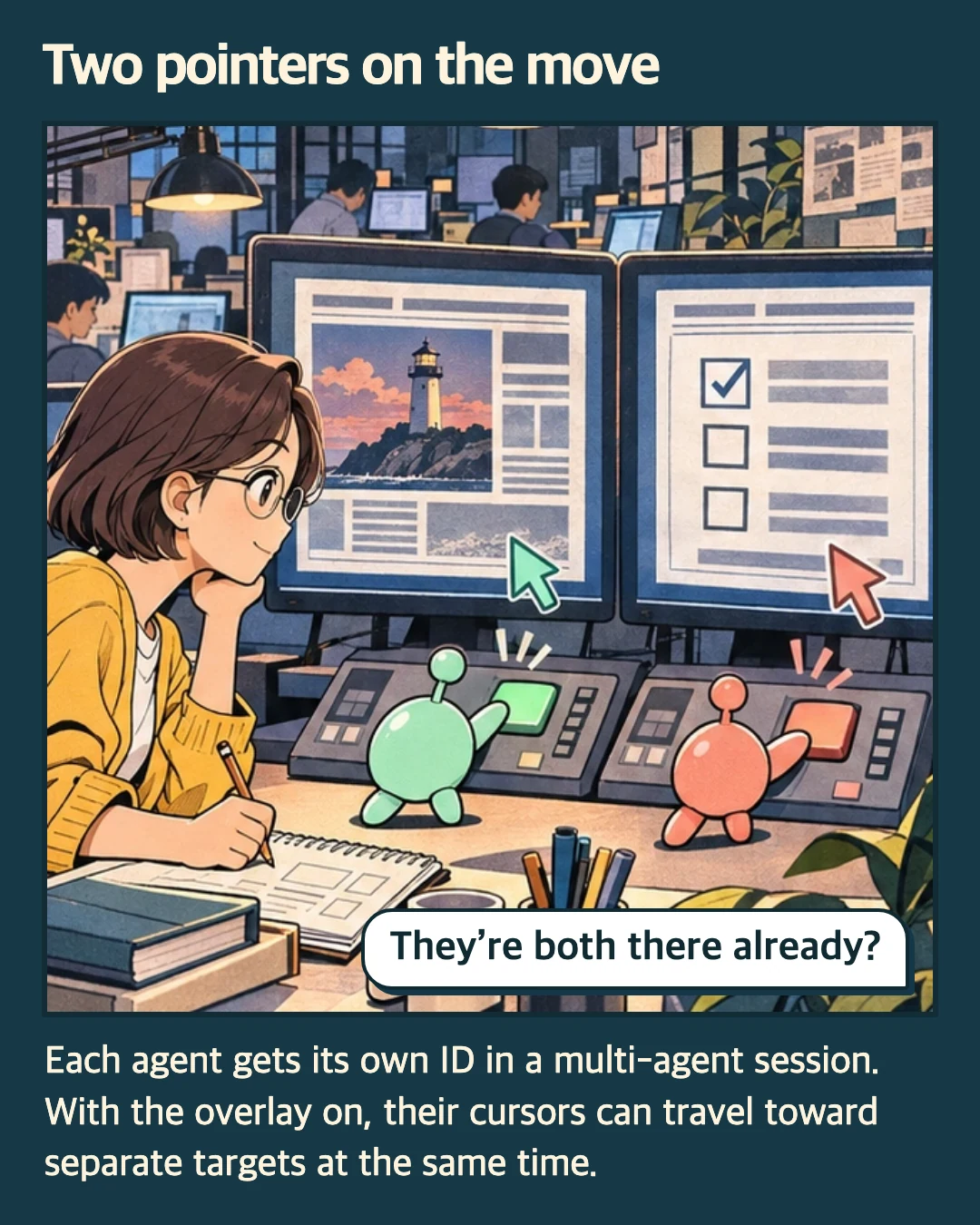
Two pointers on the move
They’re both there already? Each agent gets its own ID in a multi-agent session. With the overlay on, their cursors can travel toward separate targets at the same time. The overlay shows progress. Its availability depends on the platform. Linux Wayland, for instance, saves the setting without drawing the cursor.
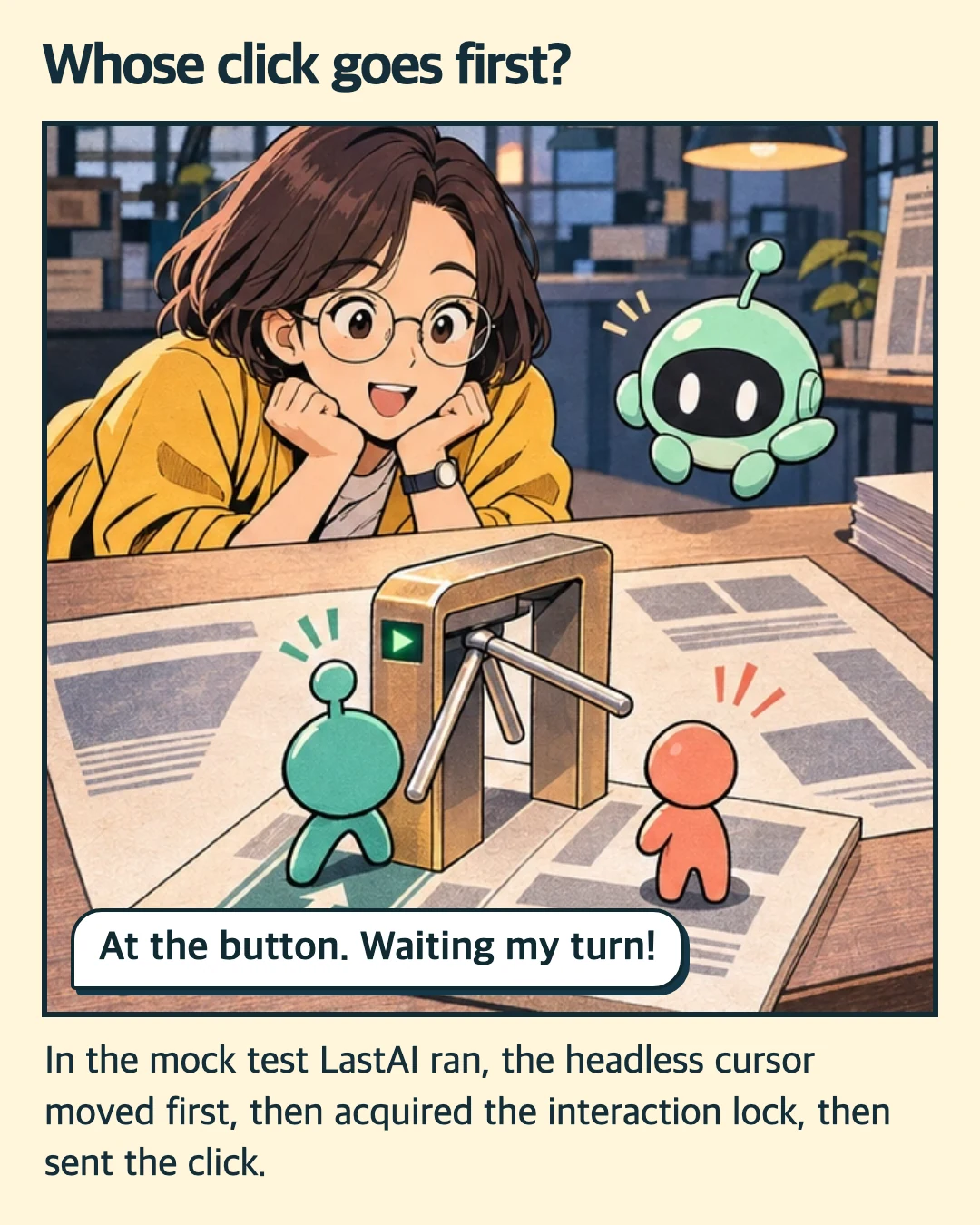
Whose click goes first?
At the button. Waiting my turn! In the mock test LastAI ran, the headless cursor moved first, then acquired the interaction lock, then sent the click. Drawing the cursor and acting on the app are separate steps. Several pointers can travel together while the actual actions take turns.
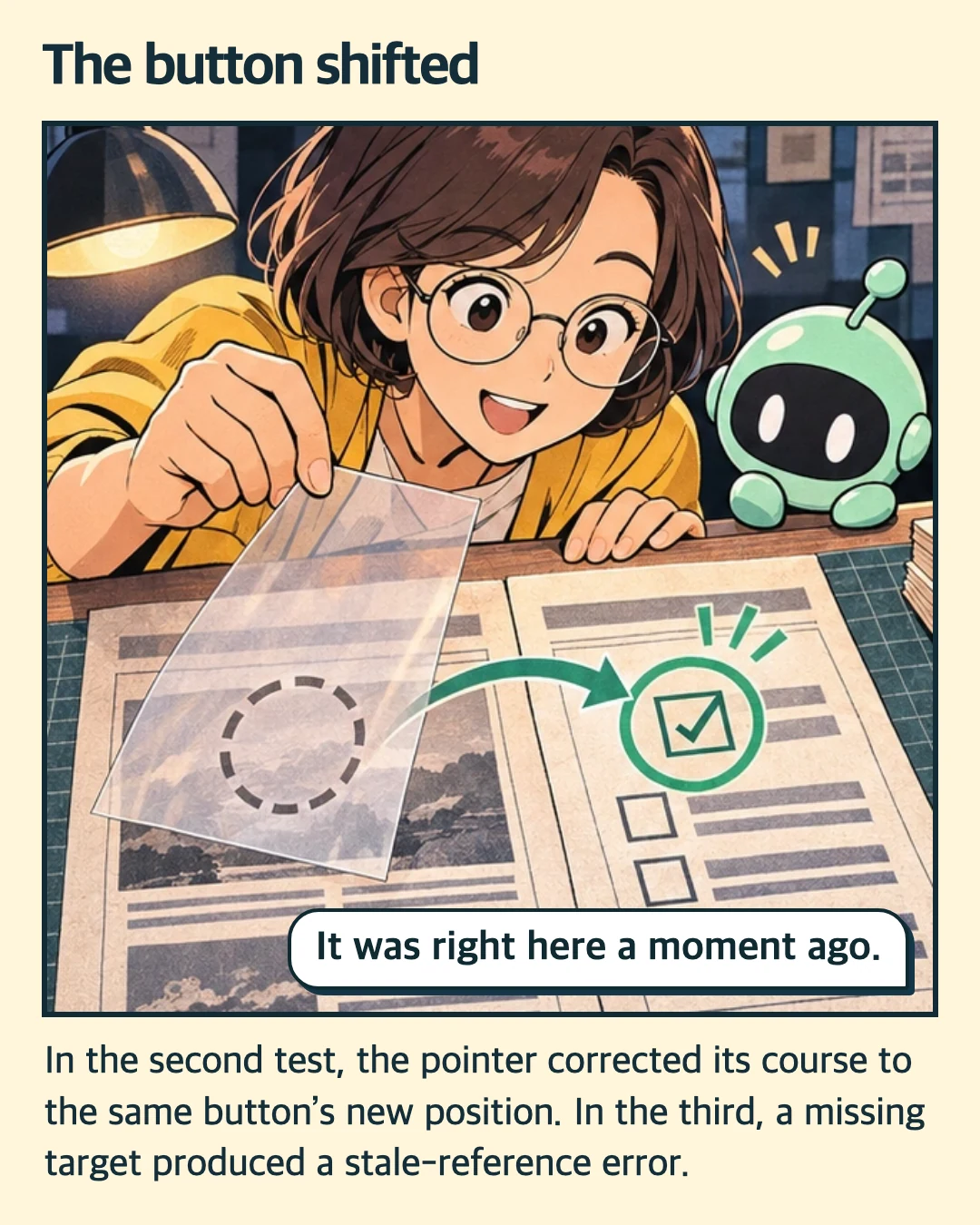
The button shifted
It was right here a moment ago. In the second test, the pointer corrected its course to the same button’s new position. In the third, a missing target produced a stale-reference error. These cases used a mock app. When an old reference no longer resolves, read the current window again and get a fresh reference.
Ready for the press
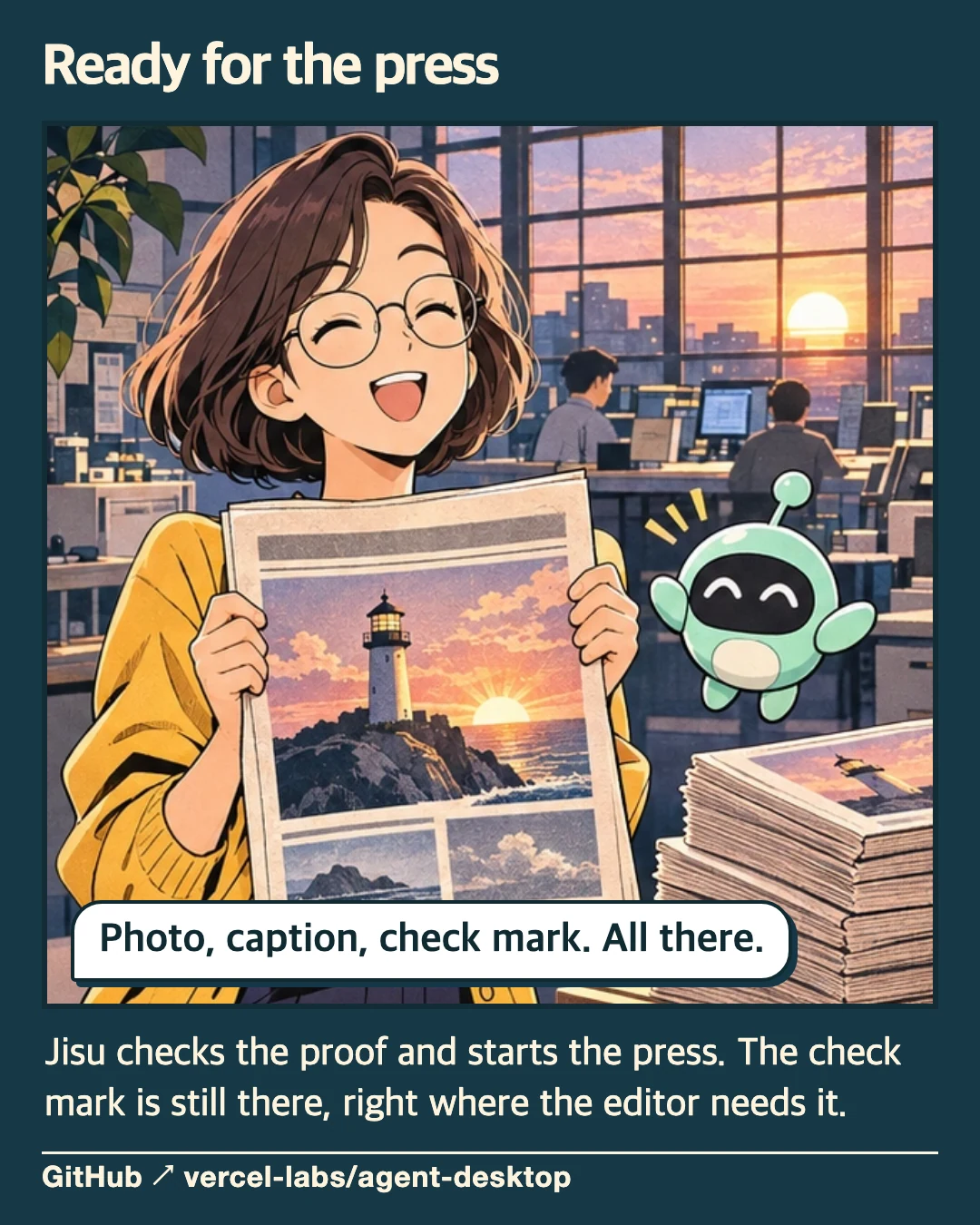
Photo, caption, check mark. All there. Jisu checks the proof and starts the press. The check mark is still there, right where the editor needs it. LastAI directly ran three mock tests from v1.3.1. The official Vercel Labs repository and the tests are linked below.
Sources from Vercel Labs
Read the release and the tests used for this story.
- Official Agent Desktop repositoryThe open-source project from Vercel Labs
- Release v1.3.1The version LastAI examined
- Multi-agent sessionsAgent identities, cursors and turns
- Cursor travel testsHow movement and click delivery are ordered
- Missing-target testWhat happens when the target is gone
- Installation and permissionsRequirements on macOS, Windows and Linux
Sources Official Agent Desktop repository · Release v1.3.1 · Multi-agent sessions · Cursor travel tests · Missing-target test · Installation and permissions
On November 22, 2026, LastAI reviewed the v1.3.1 source and documentation and ran three mock tests. The newsroom and characters are fictional. We used AI for the writing, illustrations and translations.