
How to Turn a Quick Hand-Drawn Sketch Into a Working App With Gemini
Source Google Gemini products
At a glance
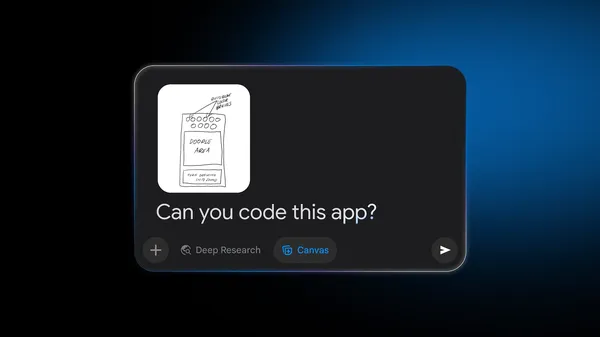
Google's Gemini has shown how to turn a paper app sketch into a working app. Simply uploading a photo lets Gemini read the drawing and write the code, according to the guide.
Key points
Upload a photo of your sketch to Gemini. Examples include app screen layouts, habit trackers, and game board drawings.
Choose Canvas, a tool that displays work in separate panels, and ask it to turn the app into code.
You can try the app right away in a preview window, and change colors, fonts, and features in real time.
Why it matters
The key benefit is that people without coding skills can see their ideas working right away.
Original article
Transform a quick drawing into a live app with Gemini.
Google Gemini products · Nov 6, 2026, 2:00 AM GMT+9 · blog.google
Read on Google Gemini productsAI read the original article and summarized it in plain language. It may contain mistakes, so please check the original for accuracy. The article's copyright belongs to Google Gemini products.