


AI · ផ្លូវការ
Google Antigravity Adds Knowledge Work Layout for Non-Developers
Google Antigravity blog ·
មើលត្រួសៗ
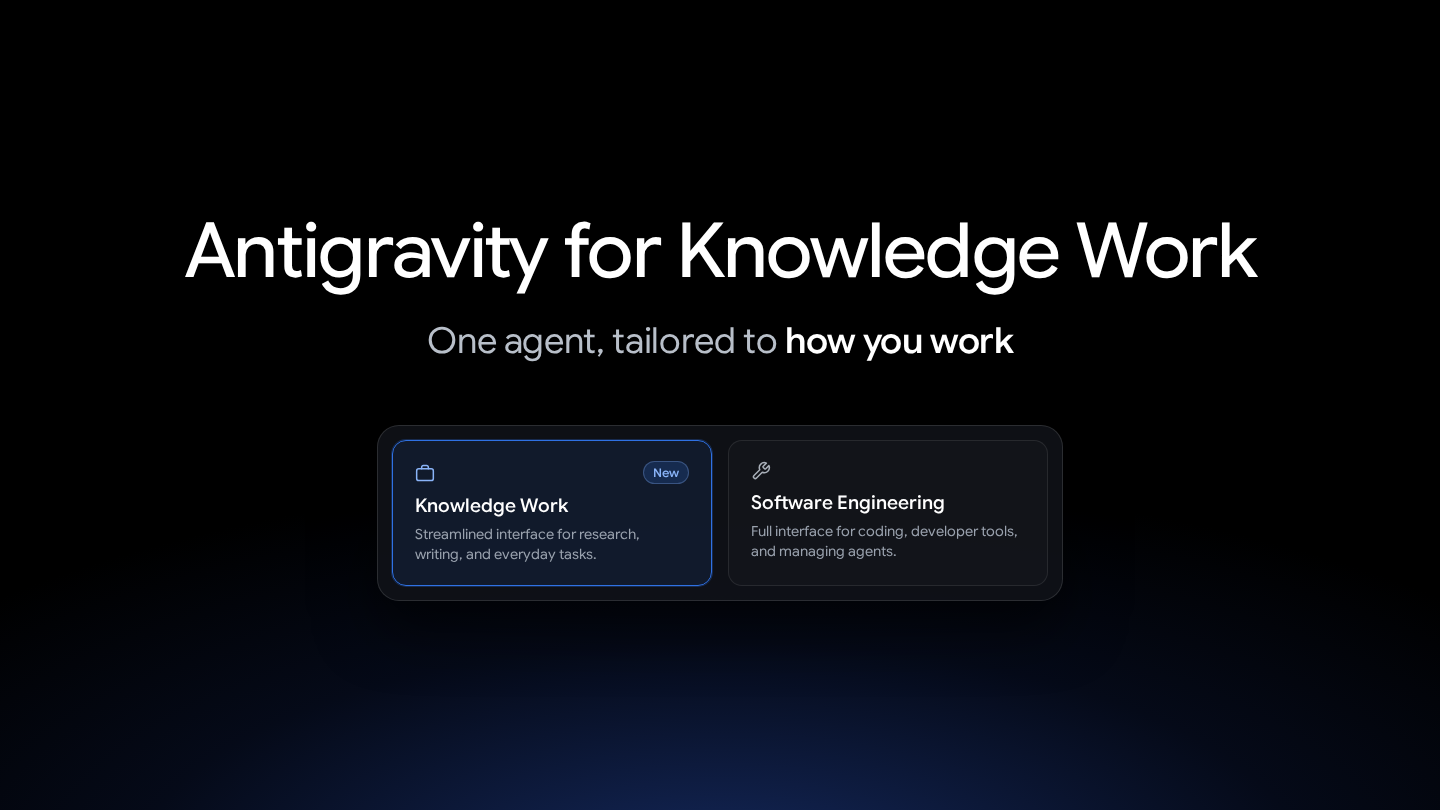
Google Antigravity, its AI work tool, now has a new screen mode that is easier for non-developers to use. Users can switch between it and the original developer screen. Both use the same AI agent, which can handle multi-step tasks on its own, so the features stay the same.
ចំណុចសំខាន់ៗ
- More people now use it for knowledge work such as research, data analysis, documents, and presentations.
- The Knowledge Work screen hides the Git workspace setup prompts and code diff views.
- You can switch in the Interface Layout settings, and the change applies without a restart.
- When you first sign in and pick your job, the matching screen and suggested features are set up automatically.
ហេតុអ្វីវាសំខាន់
It shows that AI tools are starting to be used for everyday office work, not just by developers.
ប្រភពដើម
Google Antigravity for Knowledge Work
Google Antigravity blog · Nov 9, 17:00 KST
Read on Google Antigravity blog ↗AI summarized the original article. Check the original for accuracy. Copyright belongs to Google Antigravity blog.
បន្ថែមពីវិស័យនេះ
- MIT and IBM Team Probes Gaps in Multimodal AI Understanding
MIT and IBM researchers are studying where today's multimodal AI models fall short, even when they handle text, images, and sound fluently. Their team, co-led by MIT's Jim Glass, builds new benchmarks and training methods that need less labeled data. This Q&A walks through how the project started and how it has evolved.
MIT News · Nov 21, 06:00 KST - Leaky AI Supply Chain Exposes Secret User Data at Alarming Rate
A research test sent nearly two million prompts with fake but working secrets through a network of AI services to see where they ended up. Many of the secrets were stolen, and attackers used them to reach cloud accounts. The results point to weak protection of customer data along the chain.
Ars Technica · Nov 21, 05:59 KST - OpenAI Shows How to Claim a Shopify Store in ChatGPT
This video shows how to claim your business in ChatGPT by connecting your Shopify store. You can start in Business Hub or the Shopify App Store. After connecting, you can manage your business information to control how your store appears in ChatGPT.
OpenAI 공식 YouTube · Nov 21, 05:48 KST - OpenAI Sharply Cuts Success of Attacks on GPT-6.2 Astra and Sol Reasoning
OpenAI has greatly strengthened its defenses against attempts to pull the hidden reasoning out of its latest models, GPT-6.2 Astra and GPT-6.2 Sol. In its own internal tests, the success rate of these attacks fell sharply, and OpenAI says it is now bringing some of these improvements to GPT-6 Astra too.
The Decoder · Nov 21, 05:31 KST