
Antigravity 2.0 Adds a Git Version Control Panel and Terminal Tab
Source Google Antigravity blog
At a glance
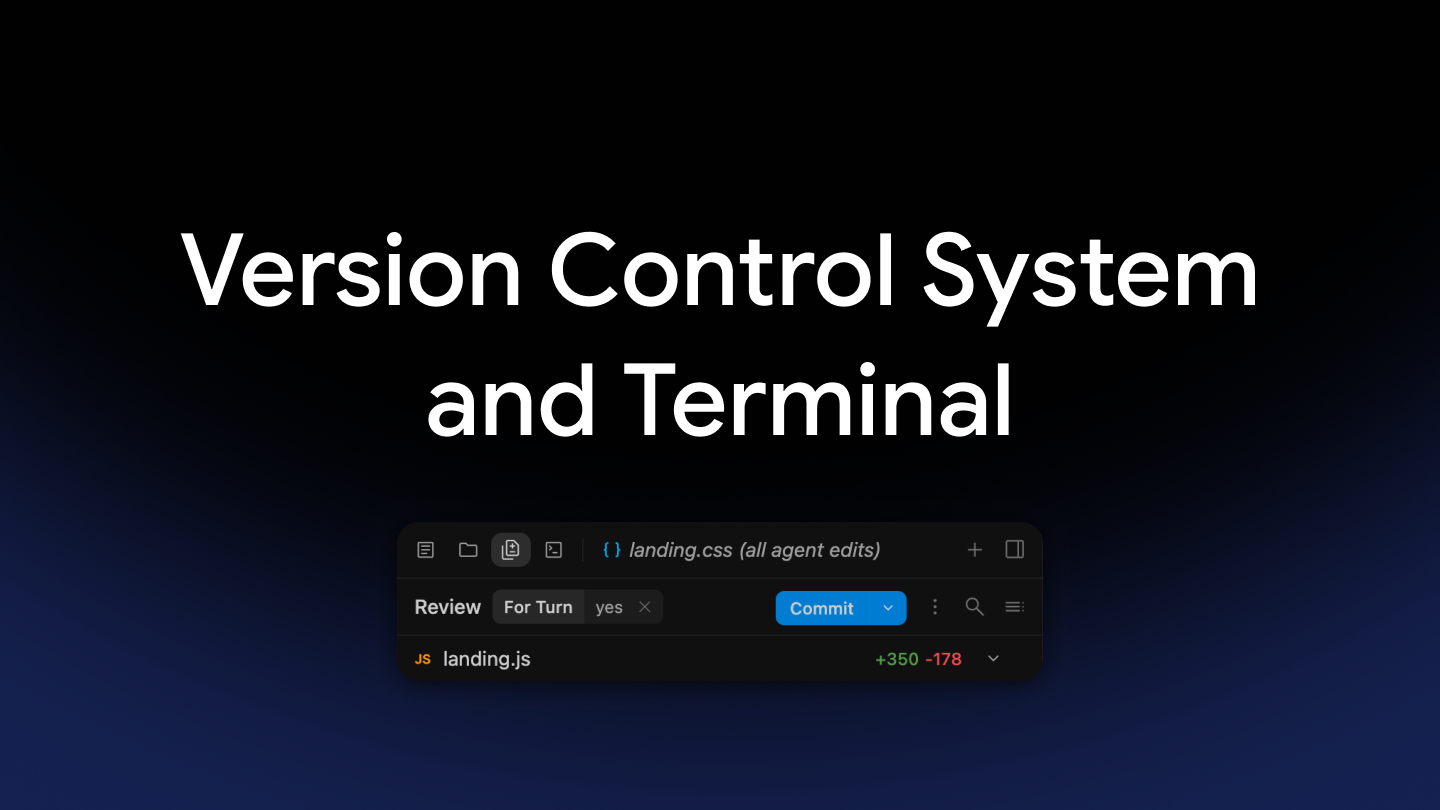
Google has added Git version control tools, which track code change history, and a terminal tab, a window for typing commands, to the right-side panel of its AI coding tool Antigravity 2.0. Users can now review changes and commit, or save, them in one place without switching apps.
Key points
The side panel now shows not only edits by AI agents but also changes made by scripts or other editors, measured against the current branch, or line of work.
Users can switch between agent edits, uncommitted changes, and full branch changes, and pick how diffs are displayed.
Files can be staged, meaning picked for the next commit, and committed with a message straight from the panel.
A built-in terminal tab runs commands like git status without leaving the app.
Why it matters
Keeping the panel in step with the real repository makes it easier to see what changed and to trust the AI's work.
Original article
Improving the version control experience
Google Antigravity blog · Aug 25, 2026, 5:30 AM GMT+9 · antigravity.google
Read on Google Antigravity blogAI read the original article and summarized it in plain language. It may contain mistakes, so please check the original for accuracy. The article's copyright belongs to Google Antigravity blog.