
Google Flow Adds Video Editing Controls with Gemini Omni 1.1 Flash
Source Google Labs blog
At a glance
Google has rolled out new video editing features in Google Flow powered by Gemini Omni 1.1 Flash. Setting start and end frames, high-resolution export, and low-resolution drafts help users make more polished videos, and the features are available starting today.
Key points
Users can set start and end frames, the first and last shots of a clip, to keep characters and the story consistent.
Finished videos can be saved in 1080p or 4K for use in broadcast and social media editing.
Quick drafts can be made at 360p, which uses fewer credits, and favorite clips can then be downloaded in 720p.
In the Google Flow phone app, users can draft videos on the go and raise the quality of only the ones they like.
Why it matters
Testing ideas with cheap drafts before an expensive full-quality render saves credits and makes polished videos easier to produce.
Original article
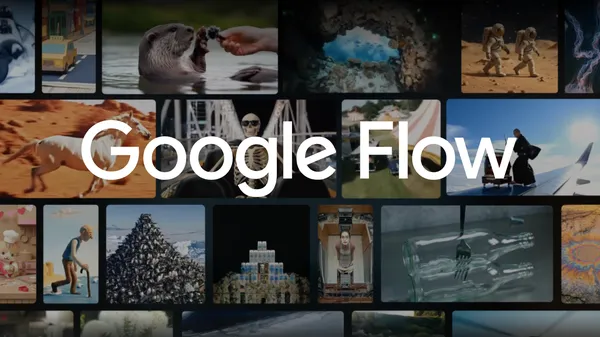
Google Flow brings new creative control features to enhance video editing.
Google Labs blog · Aug 28, 2026, 1:00 AM GMT+9 · blog.google
Read on Google Labs blogAI read the original article and summarized it in plain language. It may contain mistakes, so please check the original for accuracy. The article's copyright belongs to Google Labs blog.